

PHOTOGRAMMETRY FOR THE NEWBIE
Photogrammetry – from 2D to 3D:
In a Nutshell, Photogrammetry is the Process of Compiling a Number of Photographs in order to Extract 3D Information.
Also known as ‘Drone Mapping’, Photogrammetry is carried out today mainly using UAVs and Photo Splicing Software, to Produce Accurate 3D Models.
Photogrammetry today is popular among Surveyors for a Range of purposes, these include; Mine Surveying, Cadastral Mapping, Construction, Roads, Agriculture, Bridges, Detailed Surveys, Ecological, Forestry and many more.
This Article will help to outline the Process in more Detail for New Aerial Surveyors.
History of Photogrammetry:
Some say that the idea for Photogrammetry go as far back as 1480 with Leonardo Da Vinci, pondering thoughts on Perspectives, and discussing that, ‘All things appear smaller when they are further away’.
TIP: ‘A Brief History of Photogrammetry’.
Then, French Inventor Aimé Laussedat investigated the possibility of Photo Splicing to better understand Land Surveying and Mapping.
The Technique was then used more 50yrs later with improved cameras. And more Practically in World War 1, for the reasons on Mapping Enemy Territory.
During World War 2, Chief of the German General Staff, General Werner von Fritsch, stated that, ‘the Nation which has the Best Photo Reconnaissance will be the Nation which wins the War’.
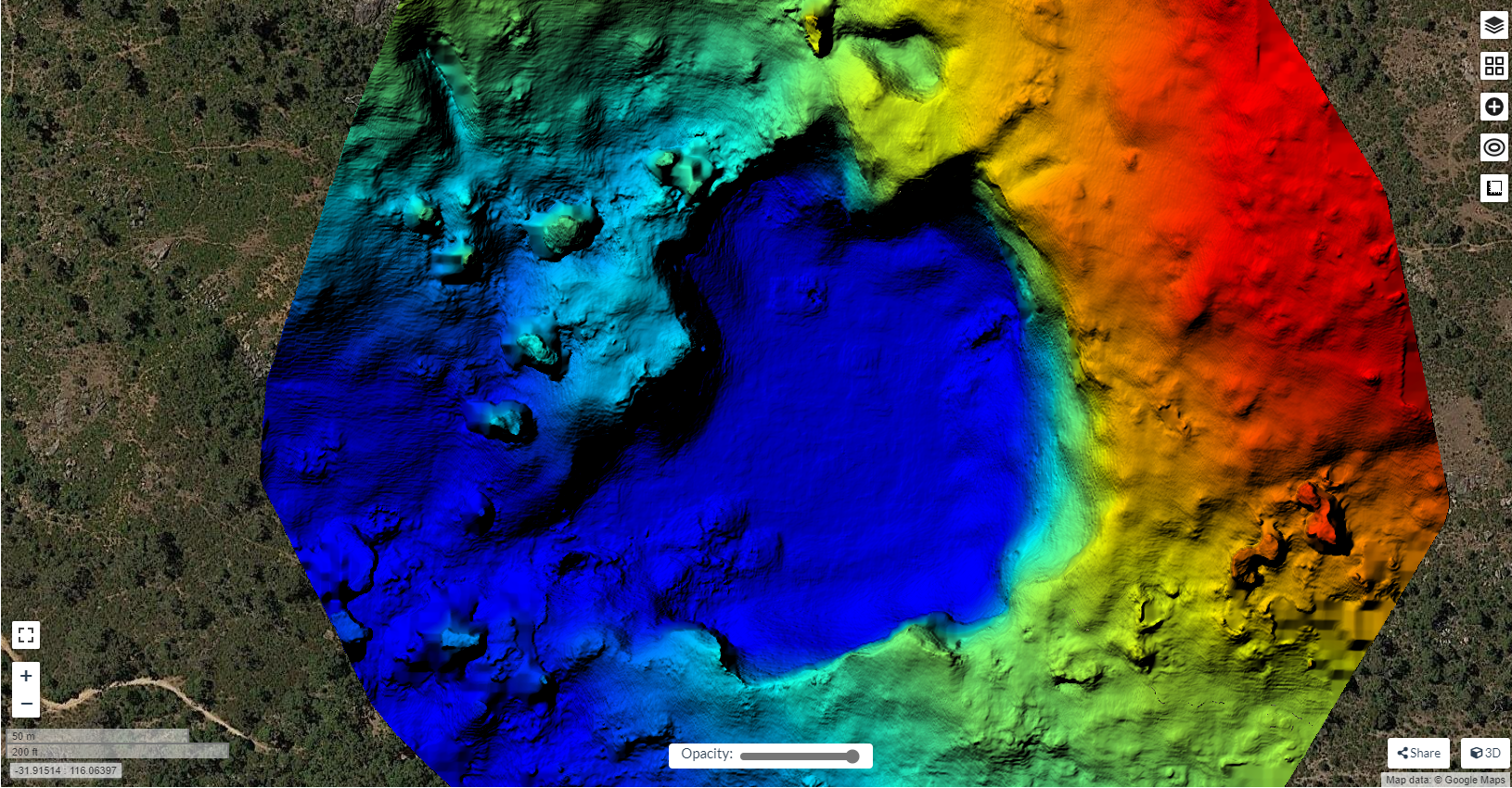
Image. 1 shows early Methods of Photo Recon during War:
Fast Forward to today and the Importance of Aerial Surveying is by no means Less Significant.
Advantages of Photogrammetry:
Advantages today of Photogrammetry include:
- Using a UAV, the Speed at which Data can be collected compared to a Standard GPS Survey for Example, is Formidable.
- When Adequate Control is Installed, the Accuracy of Photogrammetry in an Aerial Survey is a Great Advantage.
- Locations of General Hard to Access, can be easily Surveyed.
- Data Collection is very Cost-Effective.
- Photographic Data is collected, as opposed to an Average GPS Survey, which collects Lines and Points.
- Aerial Surveying is much Safer, when the Conditions of the Area are more Hazardous, I.e. An Open Pit Mine.
- Ground Operations on a Construction Site, for Example, suffer Less Disruption with an Aerial Survey.
- Distances, Volumes and Areas can be Easily Measured using Photogrammetry Software, as opposed to Manually Measuring.
How Photogrammetry Works:
Photogrammetry requires at least 2 Photographs to Function and locate a ‘Common Point’. Some Software refer to these Points as ‘Tie Points’.
TIP: ‘How does Photogrammetry Work?’
The Photogrammetry Software Locates the Common Points by measuring and comparing Light Rays by, ‘Triangulation’. Triangulation uses Angle and Distance measurement to turn a Tie Point into a 3D Coordinate. This Process is also referred to as, ‘Photo Alignment’.
Put simply, the use of combining more than one Photograph in this way, changes the 2 Dimensional Problem into a 3 Dimensional Solution.
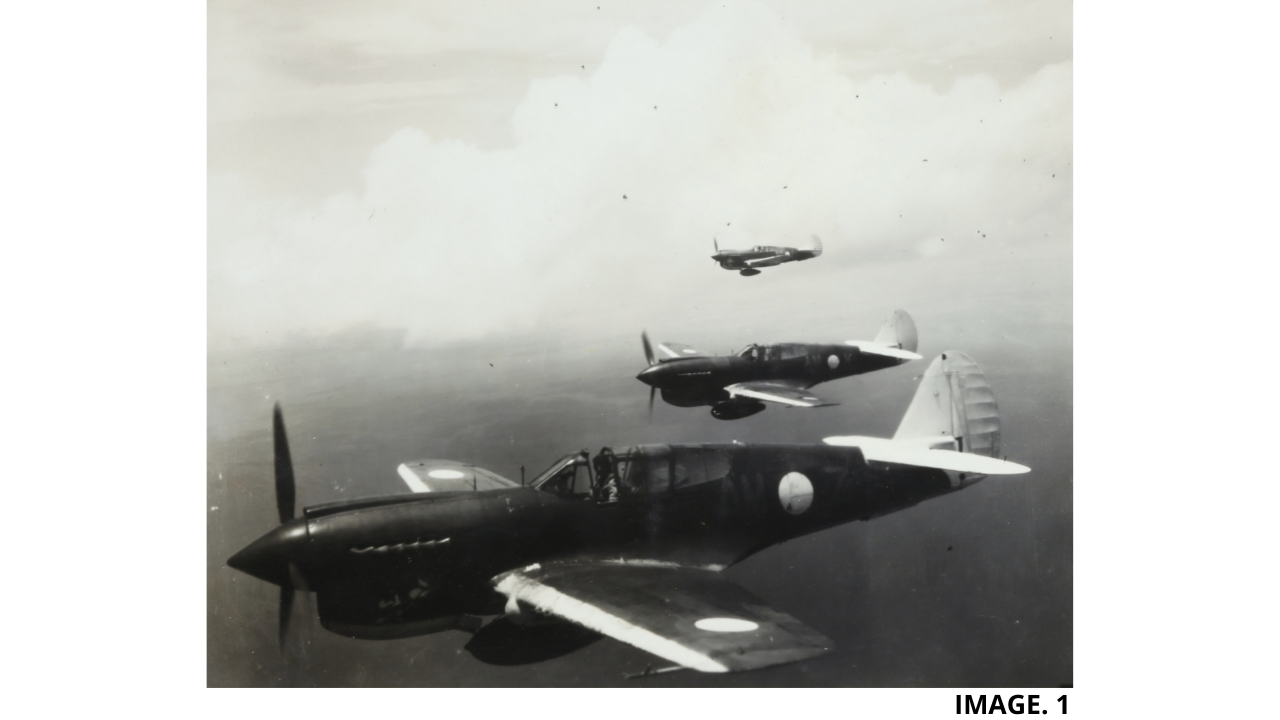
Image 2. Shows this Option in Agisoft Photogrammetry Software:
In order to Achieve correct Triangulation, adequate Photo ‘Overlapping’ must occur. It is suggested by most Photogrammetry Software that around 80% of Overlapping between images should occur to give the best Photogrammetry Results.
Given the recommended 80% overlapping between images, it is also important to not have too much Data and Photographs. Reasons for this are that Processing Time can be dramatically increased and a lot of ‘Noise’ can occur and give more Inaccuracies.
Importance of Ground Control:
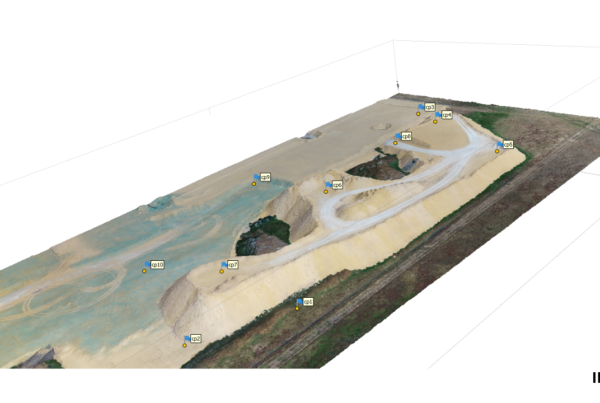
One of the most important aspects of creating an Accurate 3D Model, is the use of Ground Control in your Aerial Survey.
Ground Control Points will help to massively increase the Accuracy of your Aerial Survey. This is achieved as, the GCPs used act as a Reference to ‘Real World ‘Observations, which are then transferred into your Aerial Survey.
TIP: ‘Importance of Ground Control’.
It is recommended that a Minimum of 4 GCPs are used to create an Accurate Model.
In Agisoft Metashape for Example, the Accuracy of a Survey without GCPs is sometimes given at around 8-10 Meters. Where, after GCPs are implemented, the Accuracy is increased to around 20mm.
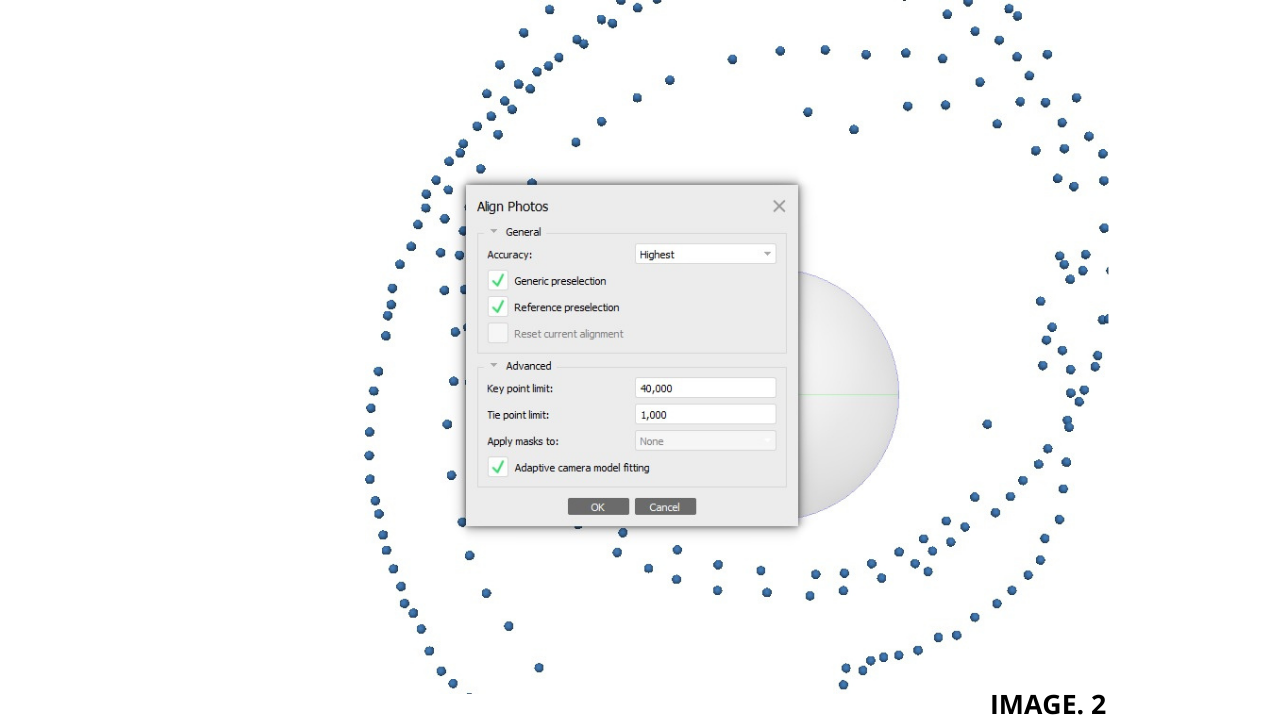
Image.3 Shows the Installation of Ground Control via GPS:
Scale is also configured and Correctly Implemented to your Model from correctly placed Ground Control Points.
As with Photo Overlapping, the correct amount and Distance between GCPs should be achieved to ensure an Accurate and Successful Survey. Too little and too much Ground Control can both compromise an Aerial Survey.
Point Cloud Generation:
The next Step for an Accurate Model to be produced is the Point Cloud Generation.
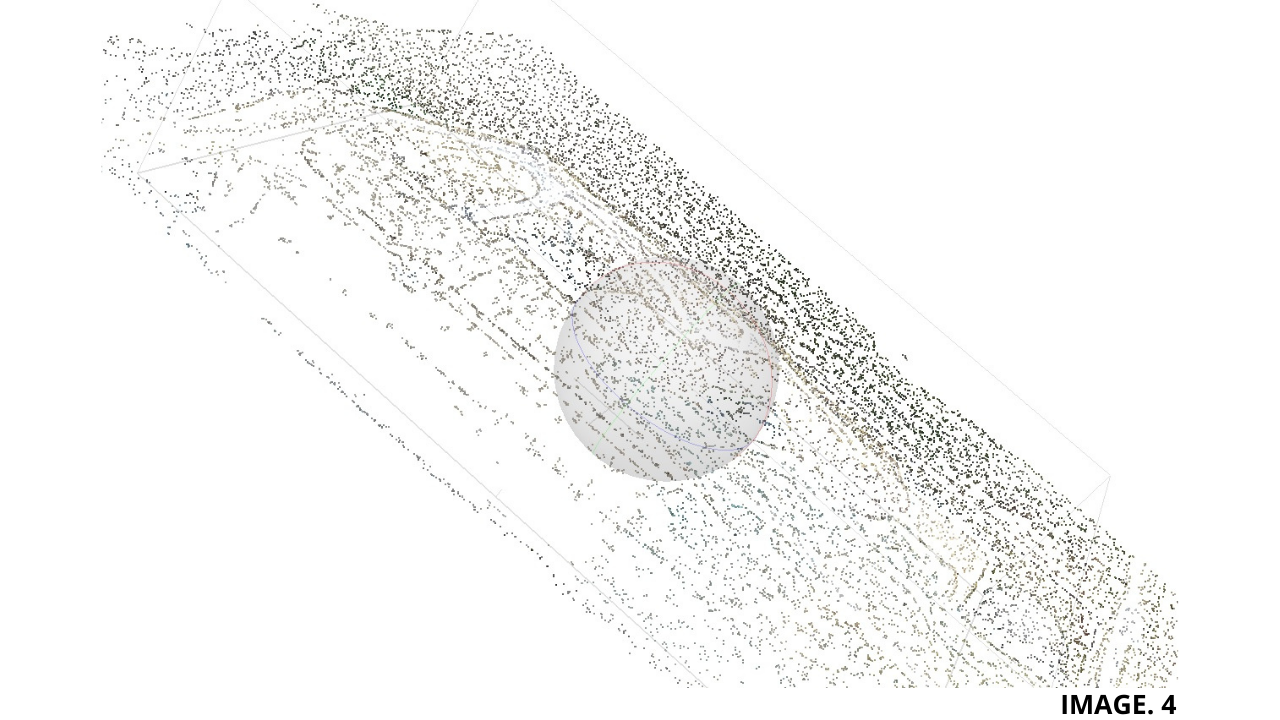
Photogrammetry Software creates a 3D Point Cloud of all the Triangulated Points. This is the next step in the Process prior to creating a 3D Model.
Each Point in the Cloud has an X, Y, Z Coordinate and also carries Light RGB Data. In Addition each Point also carries a Luminance Value, which is how Bright the Point is. Put together this creates a Dense Cloud.
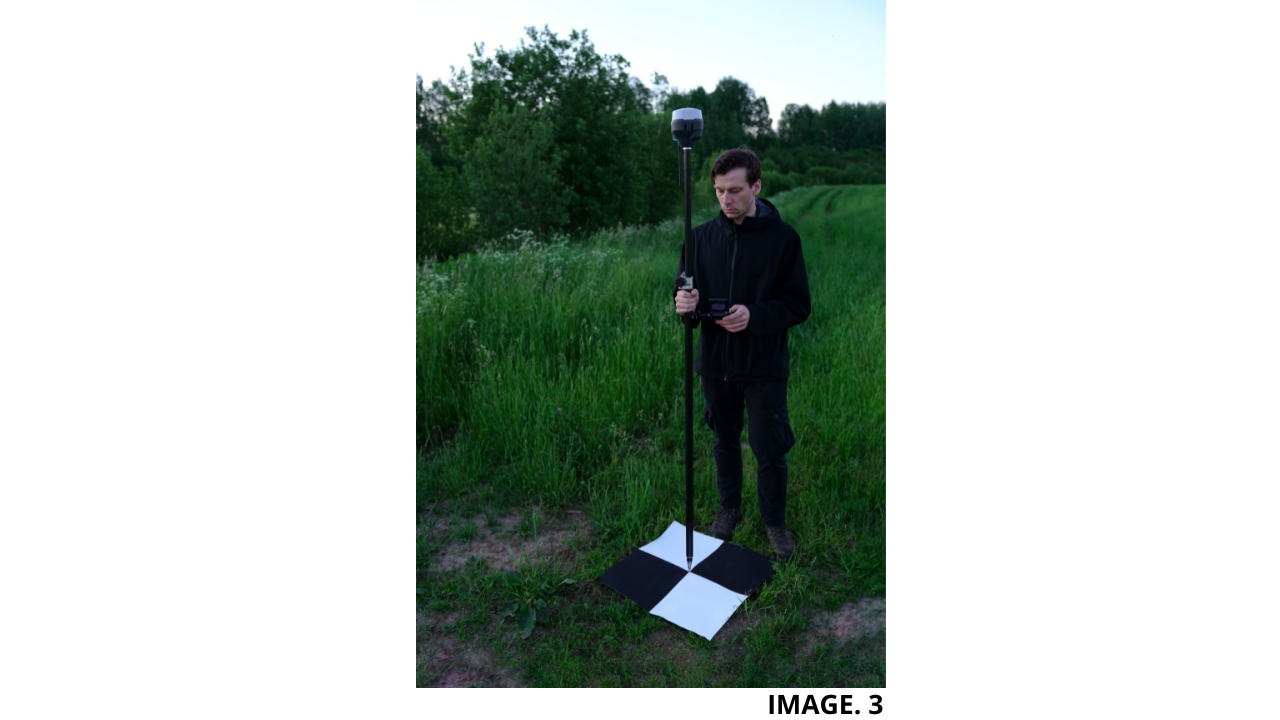
Image 4 Shows a Dense Cloud:
There are two Methods of Capturing Point Cloud Data, one is Photogrammetry, and the other Method is LIDAR Laser Scanning.
Photogrammetry Vs LIDAR:
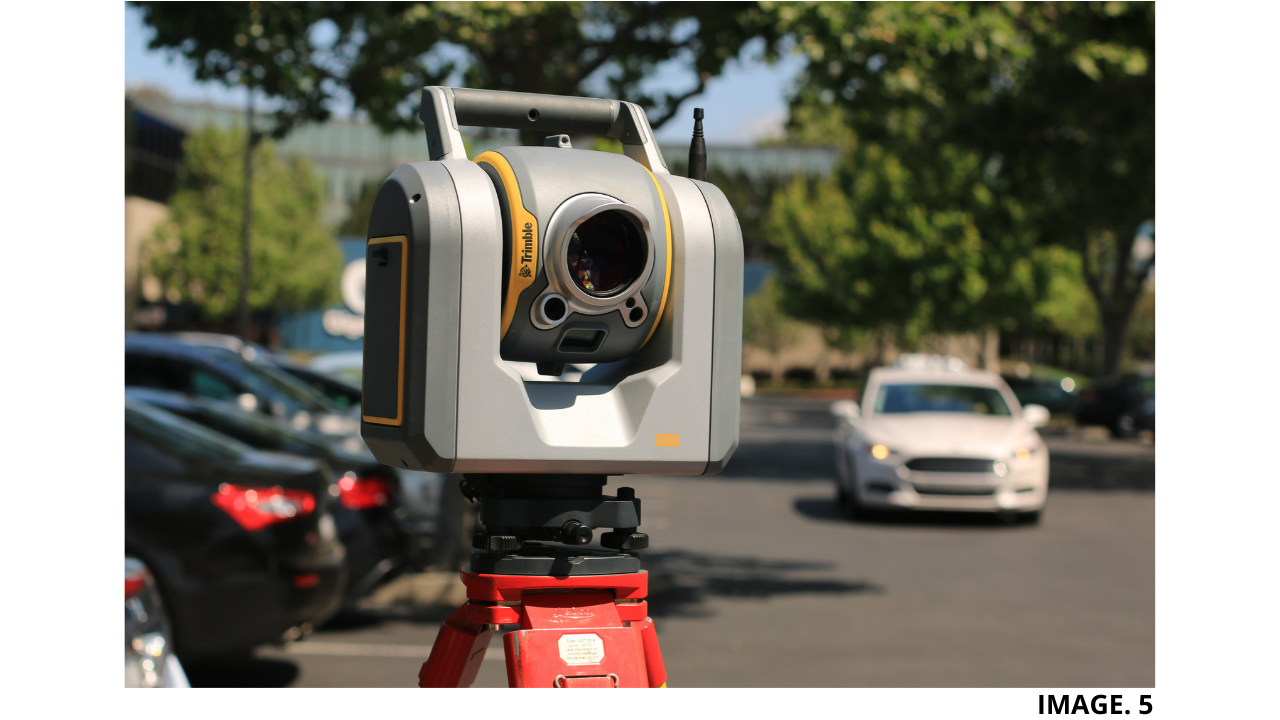
LIDAR stands for Light Detection and Ranging. In a nutshell, LIDAR is a Laser Scanning Method as opposed to Photogrammetry Camera Capture.
One Major difference and Advantage of LIDAR over Photogrammetry is that LIDAR produces its own Light. This means that LIDAR Points are not affected by changes in Light such as poor weather conditions, which is common in Photogrammetry collection.
LIDAR is also Advantageous in the way that it can penetrate through thin Vegetation such as Leaves and Twigs to measure the Actual Trunk of the Tree. Models can therefore be produced with the option to include Trees or not.
Sometimes Photogrammetry can miss some small Details of certain Surveys which are not missed with LIDAR.
In General LIDAR beats Photogrammetry hands down however, there are some Disadvantages of LIDAR which must be considered, these are:
- LIDAR is very Expensive in comparison to Photogrammetry.
- Extra Training is required for LIDAR.
- LIDAR has issues operating in Poor Weather Conditions.
- The Datasets produced are very High and thus requires more Memory, Hardware and Software to Process.
- Some Safety Issues due the use of Lasers can occur.
- LIDAR cannot operate at Higher Altitudes of 2000m, because the Laser Pulses are less effective.
Image. 5 shows a Trimble LIDAR Scanner:



Recent Comments